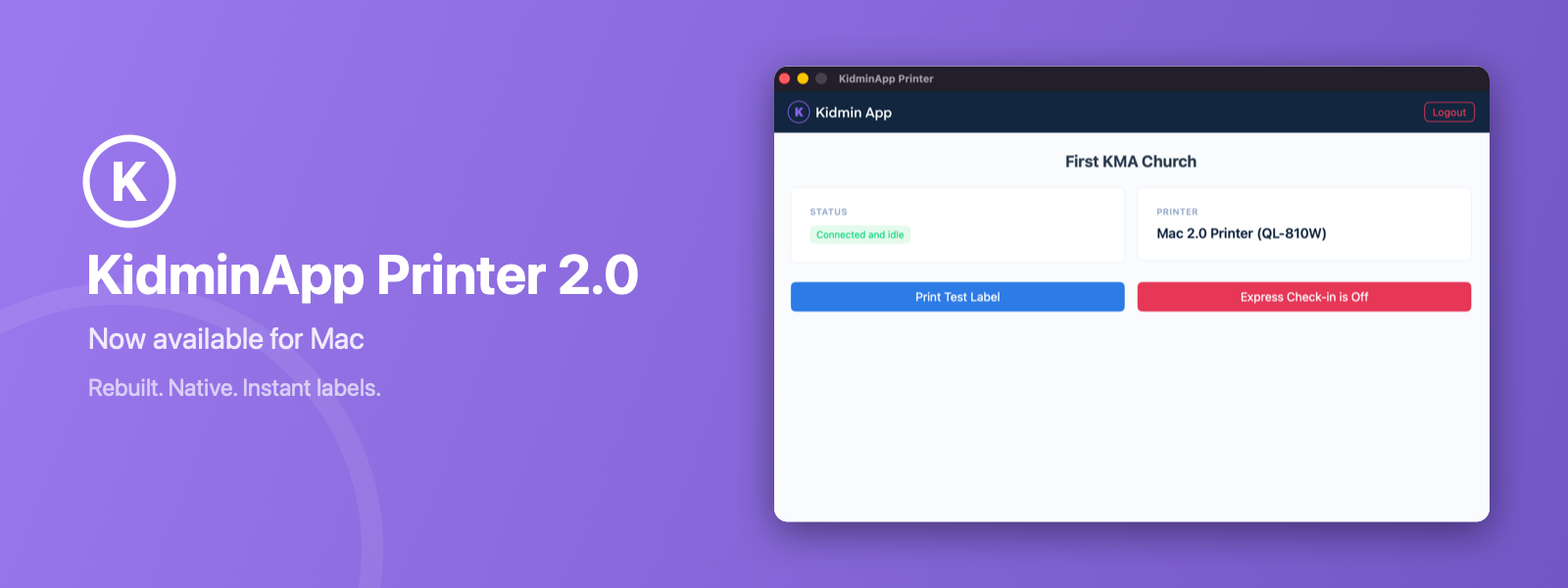
🖨️ KidminApp Printer 2.0 for Mac
Jay Hughes
KidminApp Printer 2.0 for macOS is available now. Like our Windows app earlier this year, it’s a complete rewrite — a fully native Mac app that replaces the old version.
What’s new
The old app relied on a browser engine, a bundled Python runtime, and helper programs to reach your printer. Any one of them could fail, and troubleshooting usually happened at the worst possible time.
Version 2.0 removes all of that. The new app talks to your Brother label printer directly over USB. No drivers, no helpers, no layers in between.
The improvements:
- Under 2 MB — the old app was about 70 MB
- Labels print in under a second
- No driver installation — plug in your printer and the app finds it
- One app for every Mac — runs natively on Apple Silicon and Intel, and Intel Macs now get automatic updates too
- Live printer status — see at a glance whether your printer is ready, and print a test label with one click
- A cleaner look that matches your Kidmin App dashboard
What it does
Everything the old app did:
- Prints labels instantly when families check in on kidminapp.com
- All tag types: child tags, parent pickup tags with QR codes and shortcodes, volunteer tags, and bag tags
- Allergy alerts printed bold on child tags
- Express Check-in toggle
- Runs in the background from your menu bar — closing the window doesn’t stop your labels
- Updates itself automatically
Requirements
- macOS 13 Ventura or later
- A Brother QL-series label printer (QL-700, QL-810W, QL-820NWB, QL-1100, and more) via USB
- Brother DK-1201 labels (29mm × 90mm)
Get it
Download it from your dashboard’s printer setup page, log in with your Kidmin account, and you’re printing. Questions or issues? Reach out — we’re happy to help.